

When new Amazon sellers talk about profit, they usually talk about product selection, ad spend, pricing strategy, and ranking. But seasoned sellers quietly focus on something far less glamorous—and far more profitable: FBA reimbursements. This single system determines whether you are losing money silently every month or recovering what Amazon owes you.

Almost every seller experiences inventory shortages, incorrect returns, or warehouse mishandling, yet most never claim the compensation due to them. The irony is that Amazon’s own policies protect you, but unless you understand how the system works and audit consistently, these policies do nothing on their own.
The truth is simple: Amazon manages millions of units daily, and operational errors are inevitable. The real question isn’t, “Does Amazon lose inventory?”—because they do. The real question is, “Are you auditing correctly to get paid back when it happens?” That is where a strong understanding of FBA reimbursements becomes a competitive advantage.
This guide will walk you through exactly how Amazon handles your inventory, how losses occur, how to perform an Amazon FBA reimbursement audit, and how to ensure you never miss a rupee or dollar that belongs to you.
Why FBA Reimbursements Matter More Than You Think

Sellers often underestimate the scale of Amazon’s logistics operations. On any given day, millions of products are being moved, sorted, transferred, stowed, or returned. With such volume, even a 0.1% error rate translates to massive losses across the network.
What most sellers don’t realize is that once Amazon receives your shipment, Amazon is fully responsible for its safekeeping. This means every lost, damaged, or incorrectly processed unit is Amazon’s liability—not yours. But Amazon’s internal system doesn’t automatically surface every discrepancy. Some losses are reimbursed proactively; many are not.
Over the course of a year, even small issues compound:
1. A shipment is short.
2. A few units disappear in FC transfer.
3. Returns never reach the warehouse.
4. Warehouse handling damages a dozen units.
For sellers moving even moderate volume, failing to audit means silently losing 2–5% of inventory value—essentially erasing profit margins without ever realizing it. Those who learn the reimbursement system often gain thousands each year with no additional advertising, marketing, or product changes.
In other words, FBA reimbursements aren’t an operational task. They are a profit recovery system, and successful sellers treat them that way.
Understanding How Amazon Handles Your Inventory

When inventory enters Amazon’s fulfilment network, it doesn’t simply sit in a bin waiting for orders. It is constantly moving behind the scenes. Amazon’s system logs every major movement, but not every micro-movement.
Your product goes through:
Check-in:
Units may be received in batches over different days, especially during peak seasons. Mis-scans at this stage create immediate discrepancies.
Stowing:
Items are placed into bins or shelves. This is where bin-mix errors often happen—your product may accidentally get stowed with another ASIN.
FC-to-FC Transfers:
Amazon regularly moves your inventory between warehouses to balance regional demand. Units often get lost in transit during these moves. (This is why a strong inventory management strategy becomes essential.)
Picking & Packing:
Human and robotic systems pick orders rapidly, meaning items can get miscounted or damaged.
Customer Returns:
Returns follow their own complex route, and mismatches between what the customer sends and what Amazon receives cause additional discrepancies. (More on this in our guide to handling ecommerce returns.)
Amazon reveals only part of this journey in Seller Central. The rest is internal. Therefore, your reimbursement success depends on how well you can interpret the data Amazon does give you—just like understanding key Seller Central metrics.
Types of FBA Inventory Losses (What Sellers Usually Miss)

Lost Inventory at Fulfillment Centers
Lost inventory may happen at check-in, stowing, transfer, or during pick/pack processes. A small misplacement in a warehouse the size of a football stadium can result in lost units that may never be found again.
Many sellers assume Amazon will reimburse automatically—but this only happens for some cases. That’s why Amazon FBA lost inventory reimbursement is one of the most commonly under-claimed categories.
You can detect most lost units by comparing Inventory Adjustments with Reimbursements reports. If a unit is marked “Lost” without a corresponding reimbursement entry, you must file a claim.
Damaged Inventory Inside Amazon Warehouses
Damage is normal in large logistics systems. What matters is whether you get paid for it. Amazon identifies damage as:
- Warehouse operational damage
- Customer-return damage
- Inbound shipment damage
Each has unique rules under amazon fba damaged inventory reimbursement, but all require seller-led audits.
Customer Return-Related Losses
Customers sometimes return the wrong item, return nothing at all, or return an item in unusable condition. Amazon usually refunds the customer first and asks questions later.
If the returned item never reaches Amazon, or if Amazon mistakenly marks it as “Sellable” even though it’s clearly not, you are entitled to reimbursement.
How to Audit Your Inventory for Missing or Damaged Units

Quick steps once logged into Seller Central
-
Top Menu → Reports → Fulfillment
-
Click Inventory Ledger
-
Use filters for Adjustments / Reconciliation
-
Look for items marked as lost, damaged, found, reimbursed, etc.
-
This tells you exactly where inventory counts differ vs what was expected.
-
Downloading & Understanding the Right Reports
Your audit begins with three essential reports:
Inventory Adjustments Report: Shows lost, found, damaged, and corrected entries.
Lost & Damaged Inventory Report: Highlights discrepancies Amazon has identified internally.
Reimbursements Report: Prevents duplicate claims by showing previous reimbursements.
Together, these reports give you the audit trail required for an Amazon FBA reimbursement audit.
Matching Discrepancies Manually
Even though Amazon provides data, it doesn’t summarize discrepancies. You must manually:
- Match a “Lost” entry with a reimbursement.
- Match a “Damaged” entry with a reimbursement.
- Check whether a “Found” entry balances a prior “Lost” entry.
If anything is missing or mismatched, you have a valid case. Patterns matter too. If the same warehouse repeatedly loses your inventory, high loss frequencies can become leverage in claim escalations.
This is why strong operational planning (like preventing Amazon stockouts) becomes part of the bigger reimbursement picture.
Using Automated Tools or VA Support
Manual audits become overwhelming for sellers shipping hundreds of units weekly. Automated tools like Helium 10 analyze every loss category automatically, pulling mismatches into a simple dashboard.
If you prefer human oversight, a trained VA can perform these audits weekly or monthly. The goal is consistency. Auditing isn’t a one-time exercise—it’s a recurring system designed to protect your margins.
The Complete FBA Reimbursement Process Explained

Once you submit a claim, Amazon’s investigation begins. Their internal fulfilment logs track every scan and movement, and support agents compare your claim with these entries. They verify:
- Whether the unit was truly lost
- Whether Amazon accepted responsibility
- Whether the unit was reimbursed previously
Some cases get resolved immediately; others require escalation. Payments are usually credited directly to your seller account, either as value reimbursement or replacement inventory.
Amazon may request additional evidence like shipment IDs, invoices, or packaging details, especially if claim patterns are unusual. The cleaner and more structured your evidence, the faster your resolution.
Lost Inventory Reimbursements: How to Make Amazon Pay You

Identifying Lost Units Correctly
Units may go missing at multiple stages—shipment, check-in, FC transfer, or stowing. Your first task is identifying where the loss occurred. Compare your shipment records with Amazon’s received quantity. Look for discrepancies bigger than 1–2 units because these usually indicate deeper issues like mis-scans or misplaced bins.
Submitting a Strong Case
A strong lost-inventory case includes:
- Shipment ID
- ASIN/SKU
- Units sent vs units received
- Supporting proofs from your shipping records
Amazon appreciates clarity. Avoid unnecessary text and emotional language. Keep it factual. The goal is to help the agent locate the discrepancy quickly.
What to Do If Amazon Denies Your Claim
Denials aren’t final. Many agents misread data or misinterpret your evidence. You can reply with additional proof, escalate through “Need More Help,” or reopen the case.
Persistence pays off. Lost inventory claims often succeed on the second attempt because stronger evidence provides clarity Amazon initially missed.
Damaged Inventory Reimbursements: What Counts & How to Claim
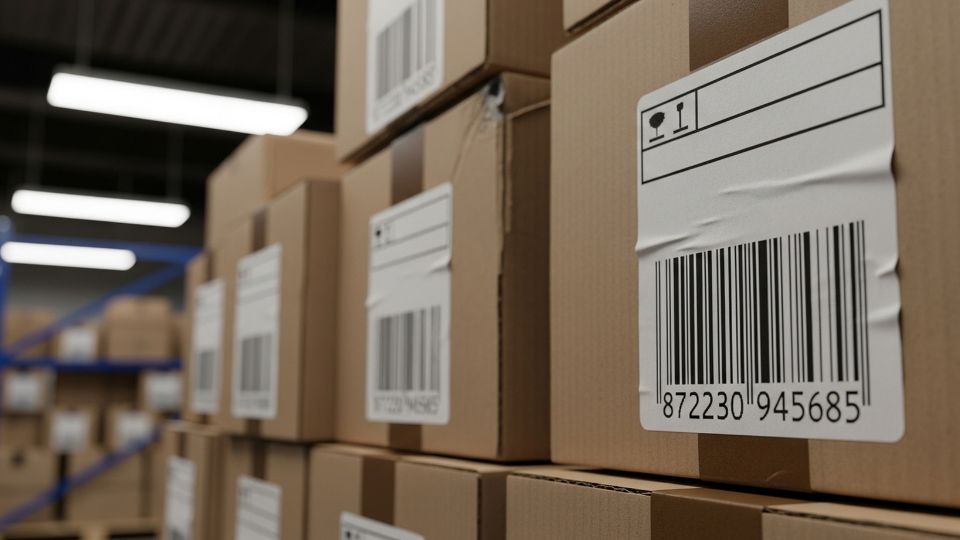
Valid Damage Types Amazon Accepts
Amazon recognizes damage under several categories, including:
- Warehouse mishandling
- Customer-return damage
- Damage during inbound shipping handled by Amazon
All of these qualify for Amazon FBA damaged inventory reimbursement, but only when properly documented.
Required Evidence for Damage Claims
You may need:
- Photographs (from customer complaints or returns)
- Supplier invoices
- Shipment tracking or BOL
- Internal audit notes
Your goal is to prove the unit was in good condition when shipped and damaged under Amazon’s control.
Case Submission Walkthrough
Structure your message like this:
- Identify the damaged unit.
- Provide exact evidence.
- Request reimbursement in line with Amazon’s policy.
Amazon investigates and reimburses either via account credit or inventory replacement. Over time, consistent submissions also reduce repeat damage because Amazon internally flags fulfilment centers with high damage rates.
Automating & Tracking Your FBA Reimbursement Audits
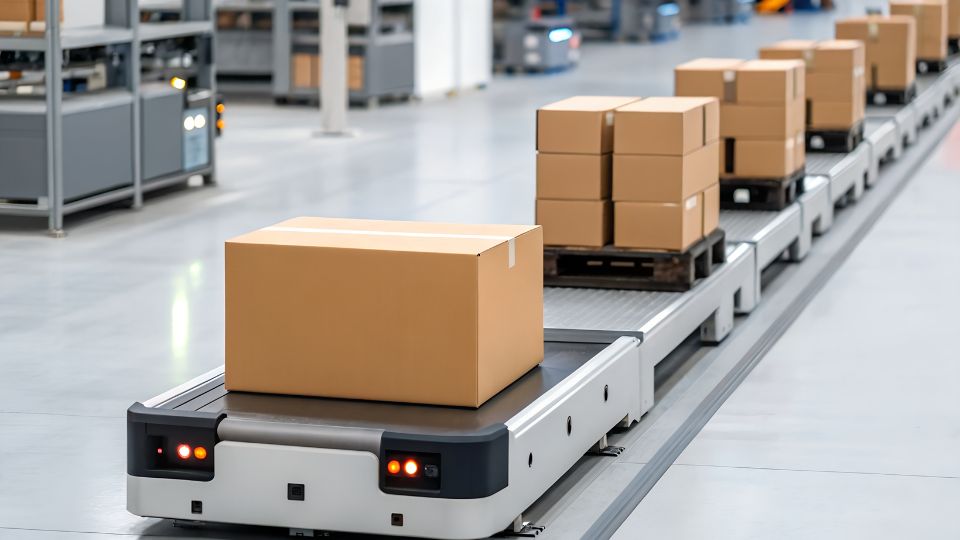
Automation is the turning point for mid-level sellers. Heluim 10 pulls data daily and highlight discrepancies automatically. They alert you to missing reimbursements, inbound errors, FC transfer problems, and return-related issues.
This saves hours weekly and ensures nothing slips past you—especially useful during Q4 when losses spike due to volume pressure.
Hiring a VA ensures the process runs like clockwork, even when you’re scaling aggressively.
Common Mistakes Sellers Make (And How to Avoid Them)

Many sellers mistakenly believe Amazon automatically reimburses for lost inventory. While Amazon does reimburse some losses proactively, the majority require manual filing.
Another mistake is assuming Amazon will find lost units eventually. If Amazon marks a unit “Lost,” and it doesn’t turn into “Found” or “Reimbursed” within 30–45 days, you must raise a case.
Sellers also allow the 18-month window to expire. Amazon’s policy is strict—claims older than 18 months cannot be reimbursed. Missing this window can permanently reduce your profitability.
Finally, ignoring inbound shipment discrepancies is a major oversight. Inbound claims often yield the largest reimbursements, yet new sellers rarely check them.
Strong operational systems—from reimbursements to optimized A+ content—collectively protect profitability.
How Long You Have to Claim FBA Reimbursements
You typically have 18 months to identify and submit claims for lost or damaged inventory. This includes inbound errors, warehouse losses, and return mishandling.
It’s important to act quickly because Amazon’s internal logs become less detailed with time. The sooner you submit a claim, the better your approval chances.
In rare cases, Amazon may accept claims slightly beyond the 18-month window, especially if you have strong documentation—but this is the exception, not the rule. Treat the 18-month rule as absolute to protect your business.
FAQs
How do I get Amazon FBA reimbursements for lost or damaged inventory?
You get reimbursements by auditing discrepancies, comparing reports, gathering evidence, and opening cases with Amazon. Amazon investigates and issues compensation when it confirms responsibility. This is the essence of how to get fba reimbursements efficiently.
How do I audit my FBA inventory for missing units?
Run Inventory Adjustments, Lost & Damaged, and Reimbursements reports. Compare expected vs recorded activity. If missing units have no corresponding reimbursement or “Found” entry, you must file a claim.
What is the reimbursement process in Amazon FBA?
After you submit a case, Amazon evaluates logs, scans, movements, and handling records. If they confirm loss or damage, they reimburse you via account credit or replacement inventory.
Does Amazon automatically reimburse for lost inventory?
Sometimes yes—but not always. Amazon automatically handles only certain discrepancies. Others require seller-initiated claims. Without audits, you lose money.
How long do I have to claim FBA reimbursement?
You typically have 18 months from the date of the discrepancy. After that, Amazon rarely entertains claims, so timely audits are essential.
Recover What You’ve Already Earned
FBA reimbursements aren’t a bonus—they’re your money returning home. Every unit you ship represents investment, effort, and opportunity. Losing inventory because of operational errors shouldn’t be part of your cost of doing business.
By understanding how Amazon handles inventory, performing thorough audits, using automated tools, and submitting structured claims, you recover profits that would have otherwise been lost forever. For growing sellers, this is one of the most powerful and immediate ways to increase cash flow without spending more on ads, new products, or marketing.
Make reimbursements part of your monthly business routine. Once you see the impact on your bottom line, you’ll never run your Amazon business without it again.
Start your first audit today. If you’re ready for the next step, explore our 3-day Amazon training program to unlock more profitability techniques that most sellers overlook.
